Bubble Brush Freebie

July 27th, 2010

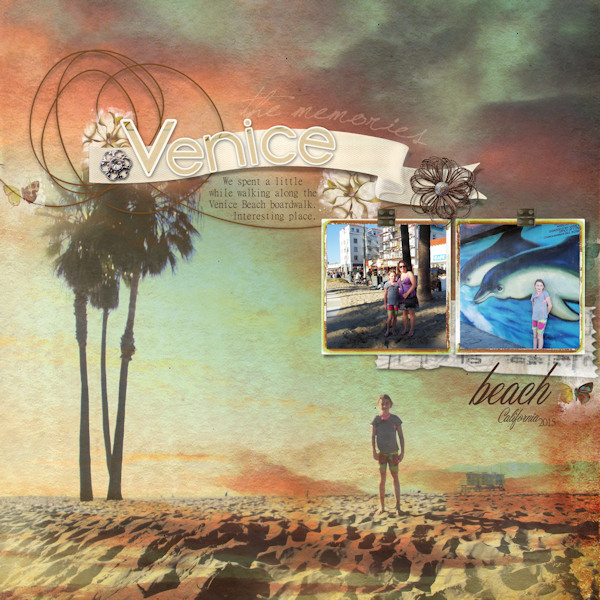
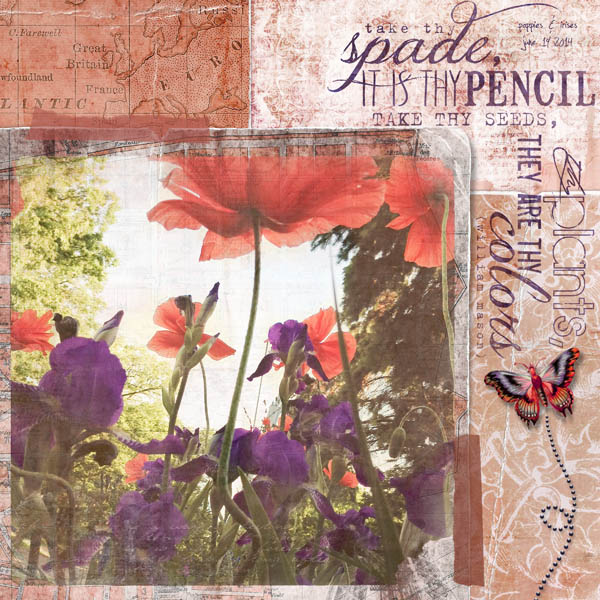
lauren-buttonsblooms.jpg michelle shefveland. buttons & blooms pak, bubble brush freebie

Hi everyone! As promised, below is the Bubble Brush Freebie used in the last post and layout above. It’s also our 100th post on the blog, so great timing for a freebie.

I created a few different styles of scattering bubble brushes and one bubble cluster non-scattering. All you need to do is download, unzip and load in Adobe Photoshop CS or above, or Adobe PSE 5 or above. Here is a tutorial on using brushes.

Enjoy! Michelle

Download Bubble Brush Freebie


How-to: Cascading Photo Effect

July 23rd, 2010

cascadingphoto_0.jpg michelle shefveland. supplies: Everyday Papers 1, Positivity Scrap.Words, Simply Faith Scrap.Words (sunflare)

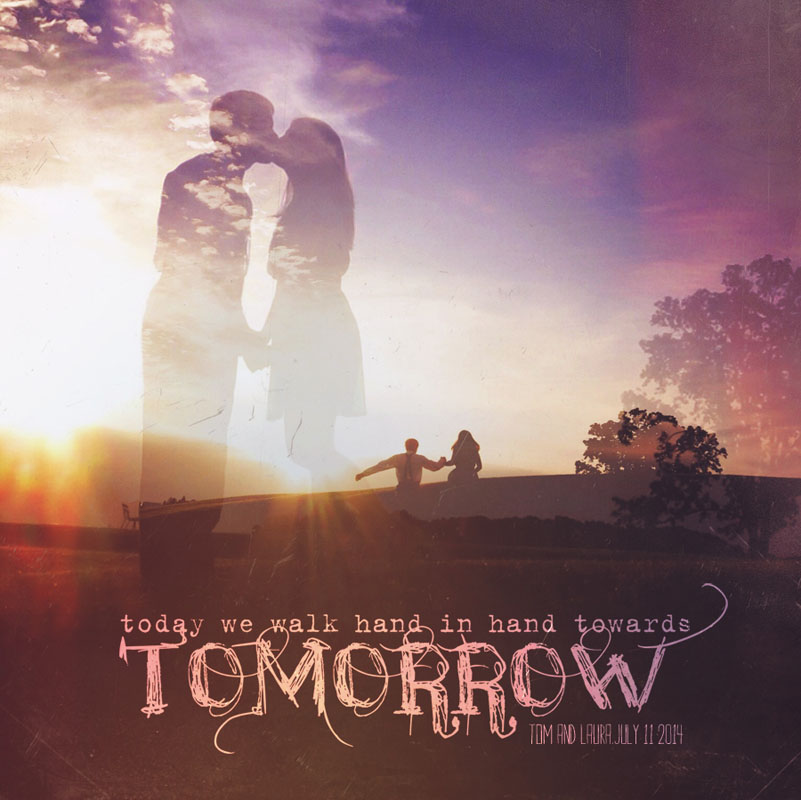
It’s about time for another tutorial! Today I’ll share how to replicate the technique showcased on these pages: Cascading photos.

201001_sing_a_song_of_winter.jpg tonya regular

fyi…all layout details can be found here in our team gallery.

repeat_challenge1_resize.jpg beth ervin. photo credit: sxc.hu

The concept is straightforward…take one masked/extracted subject and cascade it in decreasing opacity across the page.

Here’s how in Adobe Photoshop Elements (Photoshop and Corel Paint Shop Pro follow similar steps).

  1. Open Photoshop Elements
  2. Open desired photo for technique. Choose a subject that can easily be extracted. Look for strong lines between subject and background for easier extraction. I chose a backlit, soft image…adding to the ethereal effect I was trying to achieve.
  3. Using favorite extraction technique, remove background from image. See my past tutorial on extracting here. If wanting to mask out your background, see my technique article in the latest Somerset Memories on mimicking a layer mask in PSE.
  4. Open digital 12×12 paper. You will most likely prefer a subtle collage pattern for this type of layout.
  5. Drag extracted subject onto paper. Position and size as needed. screen-cascade-1.jpg
  6. Duplicate photo layer twice or how ever many times you want (Layer>Duplicate Layer>OK). screen-cascade-2.jpg screen-cascade-3.jpg
  7. Using Move Tool, slide each duplicate photo layer over to the edge of original photo layer and then edge of second photo layer and so on. screen-cascade-4.jpg
  8. In Layer Palette move each layer beneath the one that should be above it as shown above.
  9. Decrease opacity of second photo layer to about 70% and third photo layer to about 35% or until desired effect is achieved. screen-cascade-5.jpg Note: in PSE and PS you are unable to Auto-Select/Move a layer using Move Tool and Mouse/Pen Tool if less than 50% opacity, so you may need to increase opacity to move a layer and then decrease it again when in right position. Otherwise use the arrow keys to move it.
  10. Since these layers are somewhat transparent you’ll want to remove the area where they intersect. A quick method for me is to Ctrl-Click Select (Command-Click for Mac) on layer thumbnail in layer palette the second photo layer so marching ants are around it. screen-cascade-6.jpg
  11. Click on third photo layer to make it the active layer and remove intersecting selection by cutting it (Ctrl-X on PC, Command-X on Mac). screen-cascade-8.jpg screen-cascade-7.jpg
  12. Add word art, brushwork, elements to complete layout. cascadingphoto_0.jpg

Watch for the next blog post when I’ll give away the scattered bubble brushes used on this layout. You can be notified of new blog posts by signing up at top right. :)

ca_repetition.jpg karen wilhelm

wtlo1s_large_web_view.jpg erica nunez

Enjoy! Michelle

Focus on Photos

July 21st, 2010

201007_today_was_so_much_fun.jpg tonya regular

Happy Day to you! I was just perusing our gallery and spotted a trend of focusing on photos. Here are a few faves from the past few days.

ca_31-photoblend3_12-_swsum.jpg karen wilhelm

With today’s digital cameras sporting large megapixel output, you can often fill a 12×12 page. Adding a Photo Art Blend for texture softens it like a painting and often allows you to increase the size of your pic (if your images is smaller than 12×12) without noticeable loss of quality because of the texture. Finish with a few embellishments and word art and you have a frame-able piece or page for your album.

MINOLTA DIGITAL CAMERA         michelle shefveland

Speaking of photos, I’ve just posted more recent work on my photo blog.

fyi…ScrapbookPictures has fantastic pricing on 12×12 photo prints right now. Happy creating! Michelle

Before and After

July 19th, 2010

Happy Monday, friends! It has been a hot and stormy summer here…makes us enjoy swimming in the lake even more. Hope you’re enjoying whatever season you’re in!

Here’s another Before and After photo art blend. This one used #01 from set 1 on Overlay blend mode positioned above the image and that’s all it took! Would make a great framed piece or greeting card.

l2009_05_06a81-01photoblend.jpg l2009_05_06a81-01photoblend1-overlay.jpg michelle shefveland. nature’s sketchbook photo art blends 1

You can also see our Photo Blend gallery for more inspiration and recipes. And, the Photo Art Blends come with a step-by-step tutorial with more recipes / samples.

The photo was taken at sunset at Deep Portage, a nature camp each of our kids attended during middle school. What an awesome experience for all of them.

Oh, and I just posted some of my recent photography…some nature, some commercial, and some portraiture. More portraits and weddings coming in the next few weeks. Happy Creating! Michelle

v2010_04_13a79custom-copy.jpg

Crescendoh Blog Curator (and a Coupon Code)

June 21st, 2010

spring-comes-mshefveland.jpg michelle shefveland. supplies: Nature’s Sketchbook Journals 9, Scrap.Frames 9, Buttons & Blooms, Simply Spring Scrap.Words, Stitchies & Text Paths Sampler

Hi there! Excited to share I am fortunate to have the opportunity this week to be the blog curator at the fabulous Crescendoh, art inspiration site of Jenny Doh.  My Art Saves story is about how creativity has been therapy for me and Mom through her 3-year journey with breast cancer.

You can see my story and art here and each day this week I share two inspirational blogs that I like to visit here (scroll down to the images below my bio photo).

momfaithful_mshefveland.jpg michelle shefveland. supplies: Nature’s Sketchbook Journals 5, Nature’s Garden Papers, Butterfly Wings 4 Pak

==================

Also wanted to share a coupon code for our shop:

JuneBug13

for an additional 13% off orders of $13 or more. Expires June 30, 2010.

Enter coupon code during checkout in promo code field. Only one coupon code allowed per order.

==================

Have a beautiful week being inspired on Crescendoh!

Michelle

Before and After - new 12×12 Photo Art Blends

June 11th, 2010
d2009_05_18b61-copy3.jpg michelle shefveland. supplies: Nature’s Sketchbook Photo Art Blends 3 (used #27 on soft light blend mode - also used included clipping mask)

Happy Friday, everyone…so excited to release the next set of Photo Art Blends, in 12×12 format…awesome for framed art or for making photo backgrounds for your layouts.

cottagearts-photoartblends3-prev.jpg d2009_05_19a18-copy2-copy.jpg michelle shefveland. supplies: Nature’s Sketchbook Photo Art Blends 3 (used #30 on soft light blend mode )

Below is a before and after. The set comes with a tutorial plus 8 samples/recipes (other than these shown here). On sale thru Saturday! Check out our 4 other new releases here.

v2010_05_09b44.jpg

29-photoblend3b-2-photo-layers-soft-light.jpg michelle shefveland. supplies: Nature’s Sketchbook Photo Art Blends 3 (used #29 on soft light blend mode )

Oh…and speaking of framed art, I was so happy with my last order of 12×12 prints from Scrapbook Pictures. Ordered on Thursday night from Minnesota; received from Oregon by Monday. And so reasonably priced!!

Happy weekend…Rachel’s grad party is Sunday so off to work I go. :)

Michelle

Homemade Goodness (& coupon code)

May 22nd, 2010
aunty-bea_s-oatmeal-cookies6.jpg Patti Senter

Hi everyone! We’re long overdue sharing more favorite recipes. Enjoy the ideas and the goodies, many passed down through the years by family. So awesome to share the stories behind the recipes and the cook who passed them down! You can see/read the recipes more easily in our gallery here.

Also, here’s a coupon code for our shop for our blog readers, good for an additional 20% off all orders through May 31st:

MayBlog

(enter coupon code, MAYBLOG, in promotional code field during checkout)

great-grandma_s-chilli-sauce6.jpg Patti Senter

ca_homemadegoodness_carrie.jpg Karen Wilhelm

gruber-cookies.jpg Jolene Groth

Most of these layouts used our Homemade Goodness Pak, offering different recipe cards and a vintage vibe.

Happy creating! Michelle

cottagearts-net_2106_33886643.jpg


Digital Expressions

May 13th, 2010

digitalexpressionscoverweb.jpg So excited to share news that friend and fellow artist, Susan Tuttle, has just released a most beautiful book, Digital Expressions, that is as educational as it is evocative in its imagery. I had the pleasure of being a contributor and created this piece.

molokai-mshefveland.jpg michelle shefveland. silhouette image of michelle by dewitt jones. Nature’s Sketchbook - Journals 1, Papers 2 (background) & Ivy League Pak (staples); Nature’s Garden Element Pak ; Keys 2 My Heart Pak (key string); Peaceful Moments (vintage frames) ; Scarlet Memoirs (postcard), Destinations (flourish), Golden Autumn (old farmer’s almanac); Manila Pick

Digital Expressions guides the mixed-media artist through 25 stepped-out digital projects created with Adobe Photoshop Elements. Projects like manipulating single photos, collage on a digital canvas, and digital illustration will inspire you to tackle all kinds of digital mixed-media projects using stock photography, custom brushes, textured backgrounds and your own digital photos. A team of talented contributing artists further illustrates the techniques in action. Plus, a bonus CD includes more than 20 digital design elements for you to use in your own projects!

A great resource for your digital journey with Photoshop Elements (Adobe Photoshop follows similar steps)!

Michelle

Word Art/Overlay Color Change Tutorial

May 12th, 2010
mikeanna-wings-piecesme.jpg michelle shefveland. pieces of me papers 1, winged hope (word art), scrap.frames 10 (coming soon), ribbon/flower, buttons (coming soon)

Hello friends! Today’s tutorial is a quick one that we get many questions about, even though everyone thinks it should be super simple. How do you change the color of a png format file that is black, such as word art or our Scrap Edges?

For example, the word art in Winged Hope is black but I would like it olive green for this layout. Here’s how in PS/PSE/PSP:

wordart-wingsbutterfly-wh-cottagearts.jpg

In Adobe Photoshop and Elements, press Ctrl-U (Cmd-U on a Mac) to open the Hue/Saturation Dialog (or Enhance>Adjust Color>Adjust Hue and Saturation). Check the Colorize Box in the lower right, and then bring the saturation and lightness sliders both above 0. Now change the color to your taste!

colorchangepse.jpg

In Corel Paint Shop Pro, press Shift-H to open the Hue/Saturation Dialog (or Adjust>Hue and Saturation>Hue/Saturation/Lightness). Check the Colorize Box in the middle, check Preview on Image at top right (version X2 and higher), and then bring the saturation and lightness sliders both above 0 until you see color appear. Now change the color to your taste.

colorchangepsp.jpg

So easy, even if a bit tricky at first glance. And, for white word art or pngs, follow the same steps above, but in the opposite direction for lightness…make it less than 0.

Have fun!

Michelle

Silhouette Photography

April 30th, 2010

alyssadance_butterflywings4.jpg michelle shefveland. naturals 10 papers, Butterfly Wings 4 Add-On Brushes, Scrap.Edges 10 (used to erase edges of large image)

Silhouette photography makes for some of the most striking imagery when executed properly. Some of my favorite memories occur around sunset at our cabin, and capturing silhouettes of my family on the beach lets me hang on to those feelings each time I look at them.

d2009_07_11a04-silhouette_0.jpg michelle shefveland

d2009_07_05c22camera-raw.jpg michelle shefveland

d2009_07_05c48-copy1.jpg michelle shefveland

In one of my recent articles in Somerset Memories, I shared how to digitally create a silhouette if you didn’t have one captured with your camera. I’ve gotten a couple questions asking for tips on how to shoot silhouettes with your digital camera, so below are a few:

  • Shoot near sunrise or sunset for the best light, as you want to backlight your subject. Try other light sources, such as a camp fire, reflected light on water, or street light.
  • Today’s camera’s are so intelligent that they will try to prevent subjects from being silhouetted. Therefore, you may need to bracket your exposures or set your exposure compensation accordingly, such as -1 to -2.
  • Aperture Priority is recommended so you get the maximum depth of field (f/8 or f/11 would be something to aim for)
  • Shoot with a tripod, if possible, for the sharpest image possible
  • Look for strong shapes with clear separation and an uncluttered background. In the first dance image of Alyssa above, I was unable to completely get rid of the trees in the background but did get low to the ground so I’d have as little of them as possible.
  • For close-ups of people, profiles make more striking images as you can see more details of their face.
  • Tweak image in your image editor using Levels or Curves to punch up the darks and lights, increasing the contrast between the subject and background.

sillouette1_resize.jpg beth ervin. Simply Nature Papers 1, Off the Beaten Path Papers 6, Summertime Elements, Wild West Pak; photo: sxc.hu

Silhouette subject ideas:

  • Playing on the beach at sunset
  • Dancing (as shown in my page of Alyssa above)
  • Jumping in the air
  • Playing sports
  • Bridal couple exchanging vows or holding hands on a hillside at sunset
  • Family all jumping at the same time
  • Lone trees or flowers on horizon at sunset or sunrise
  • Skylines of favorite cities

sillouette2_resize.jpg beth ervin. Positive Vibe Pak, Go Bold Elements; photo: sxc.hu

Experiment and have fun! Michelle